
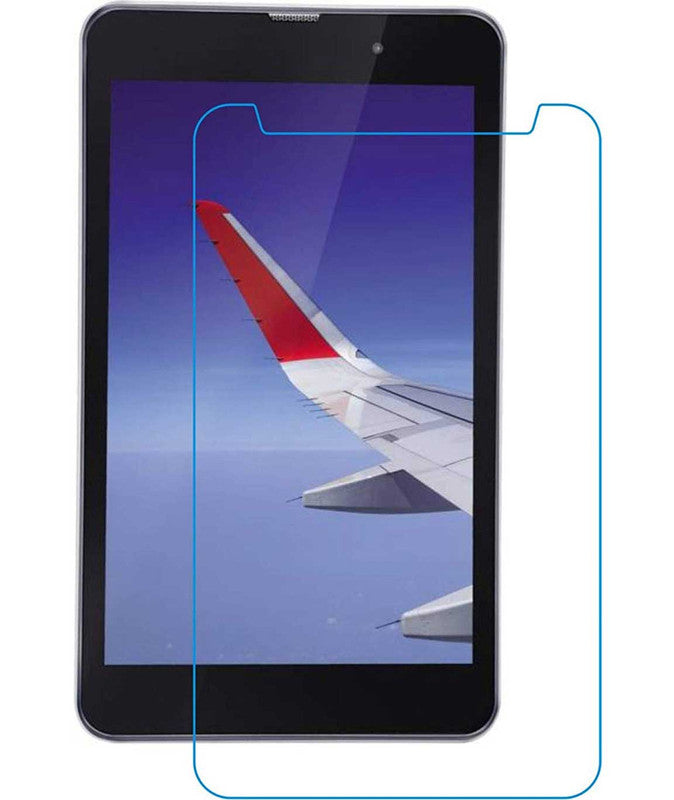
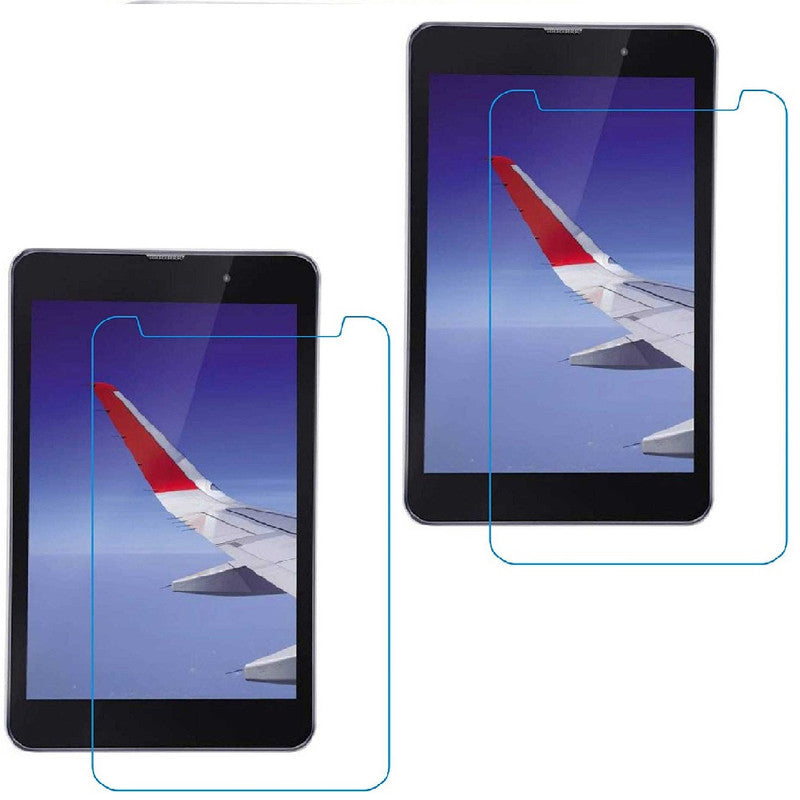
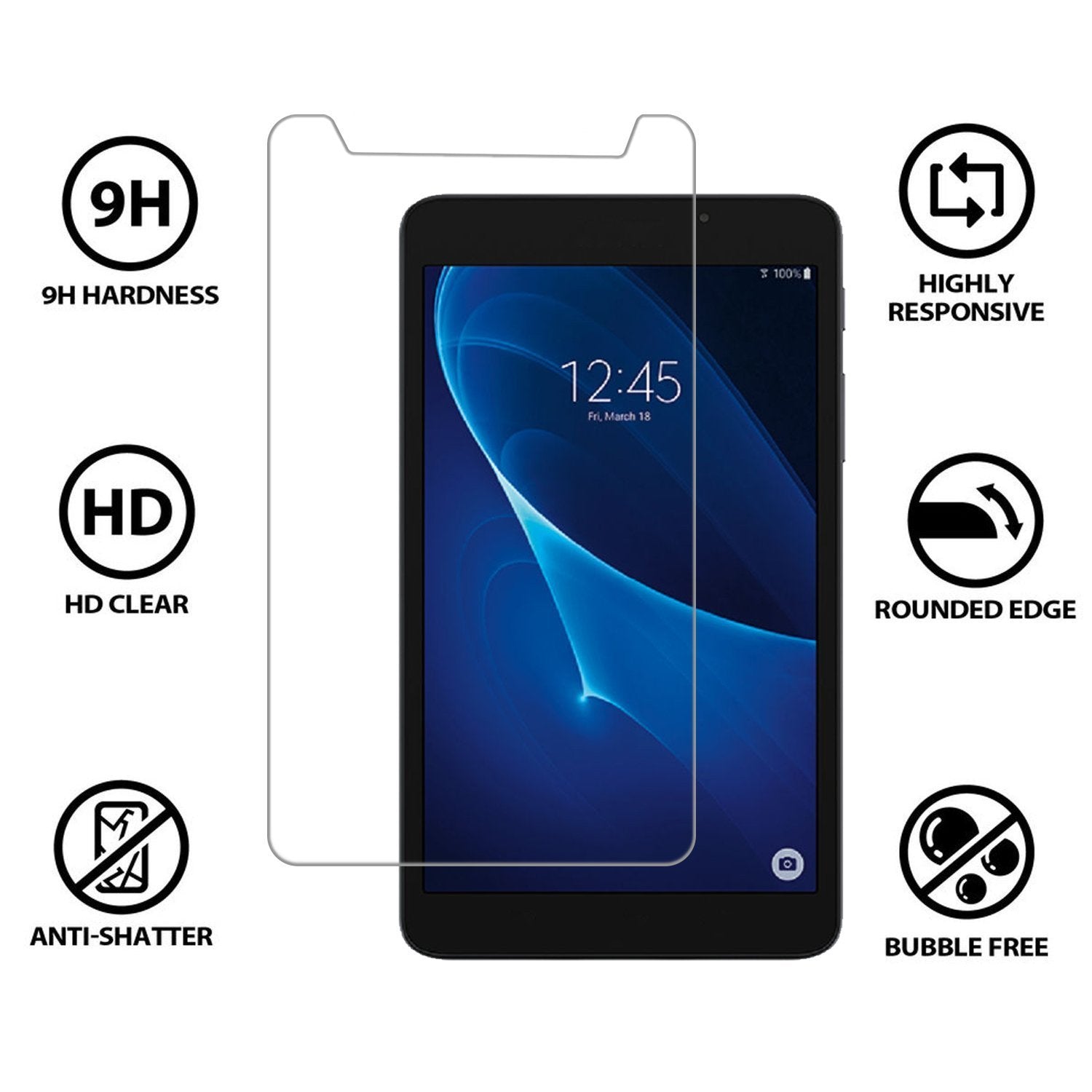
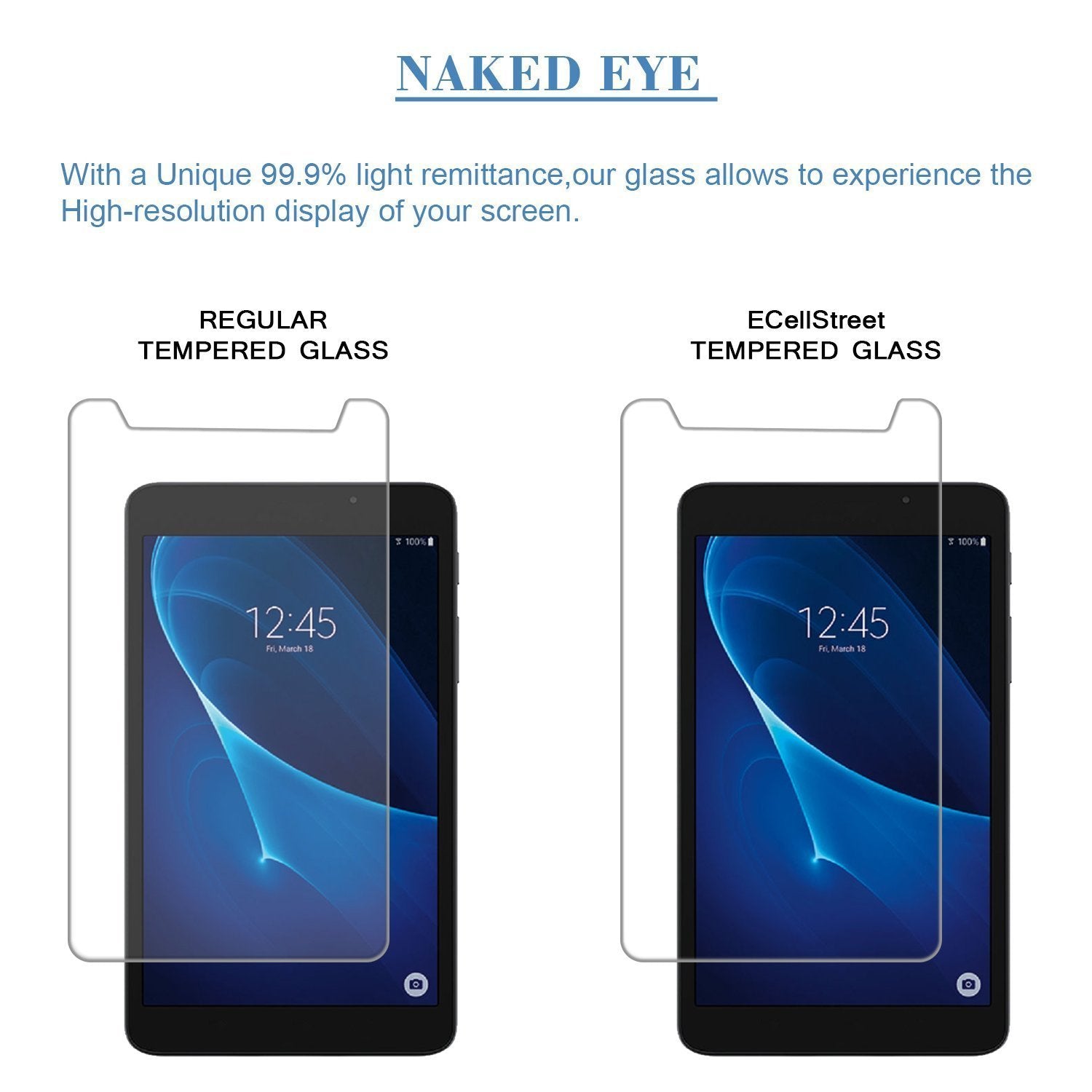

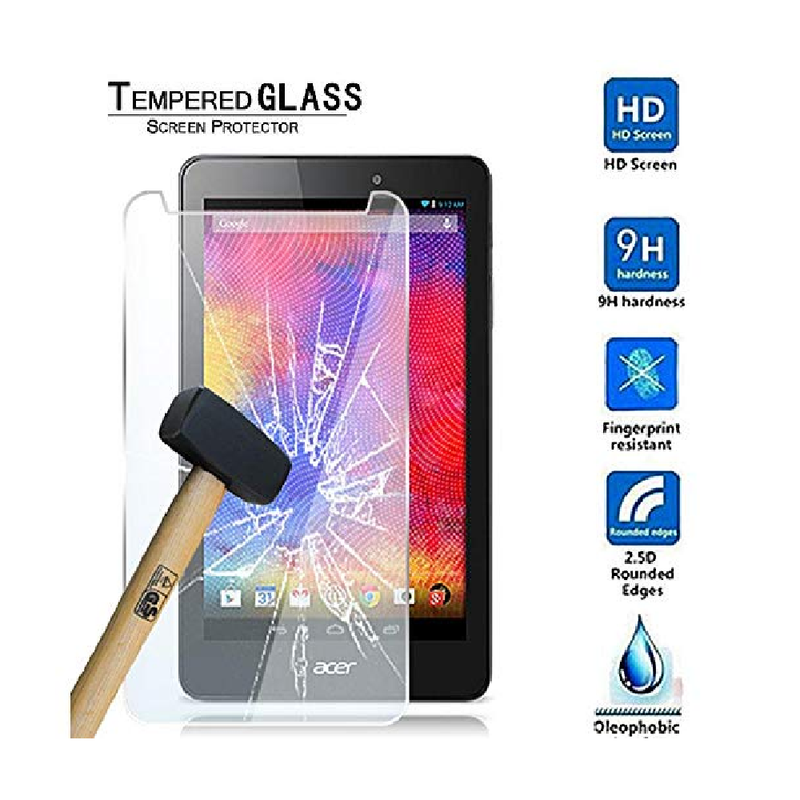


Tempered Glass for Micromax Funbook Infinity P275


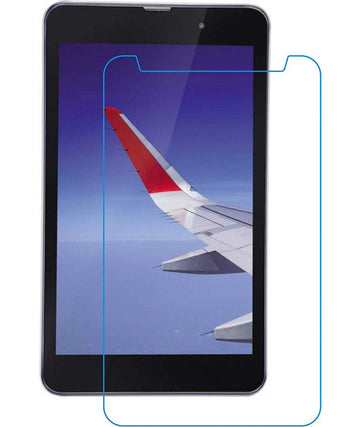
Tempered Glass for Micromax Funbook Infinity P275
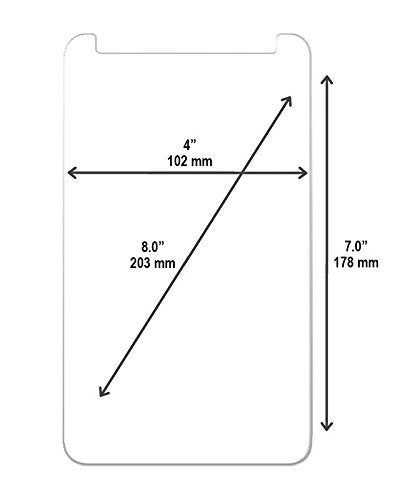
This Is A Universal Tempered Glass So The Camera Cut Out Is Not Given Precisely.and Since This A Universal Tempered Glass It May Vary From Device To Device. Steps For Installing The Tempered Glass Step 1: Holding the screen protector, open its sticky side. Step 2: Place it on the phone carefully . Step 3: Use a squeezer to get rid of the bubbles that may form. Step 4: Open the top side of the screen protector to reveal a clear tempered glass protector.
Shipping: Most orders are dispatched quickly; the delivery estimate shown at checkout is the best reference for your PIN code.
COD & free shipping: Available on eligible orders as shown during checkout.
Need help? Contact ECellStreet support if your parcel is damaged, incomplete, or you need product guidance.
Why ECellStreet?


Discover more in our FAQ
Do you offer Cash on Delivery?
COD is available on eligible orders. The final availability and any applicable charge are shown at checkout.
When will my order arrive?
Delivery time depends on your PIN code and courier service. Please use the delivery estimate shown on the product or checkout page as the latest reference.
Can I use these lights outdoors?
Only use a light outdoors when the product description specifically mentions outdoor or weather-resistant use. Keep plugs, controllers and non-waterproof parts protected from moisture.
What if my item arrives damaged or incomplete?
Please contact ECellStreet support as soon as possible with your order details and clear photos or an unboxing video, where applicable, so the team can help according to the store policy.
How can I contact customer care?
Use the contact details shown on the ECellStreet website or your order confirmation for support with delivery, product use or order issues.
